Write
Write lyrics with the chords right where you play them. Try a few versions of a verse, and keep the lines that didn't make it.
Write songs with chords. Record takes over your beats. Keep every version of a song in one place.

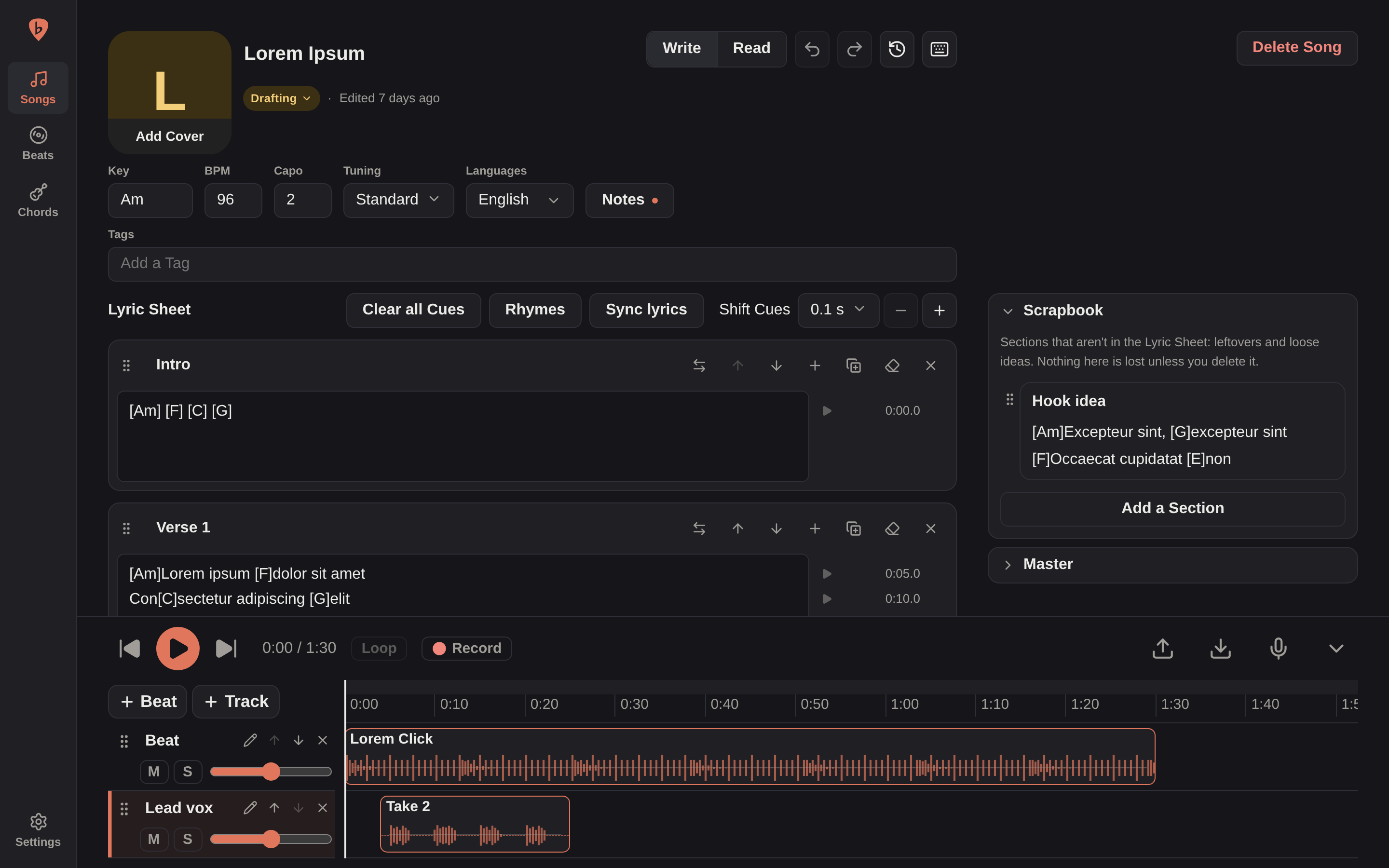
Writing a song often means lyrics in a notes app, chords somewhere else, the beat in a browser tab and voice memos scattered across a phone. Bandmate puts them on one page: your lyrics and chords beside a timeline holding the beat and your takes, with each line marked at the moment it's sung.
It's built for one songwriter, and runs on your own machine or homelab. There are no accounts and no subscription, and your Songs stay on your server.
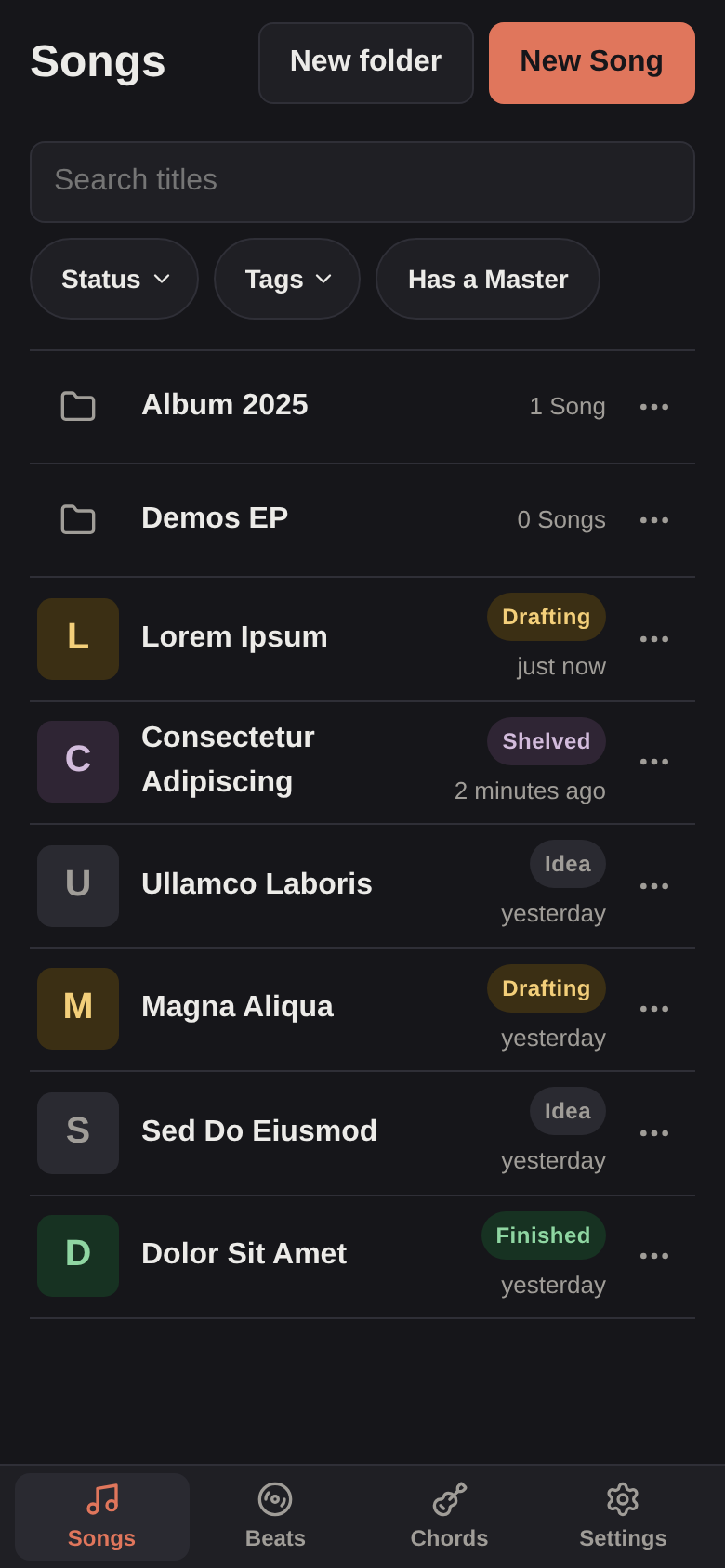
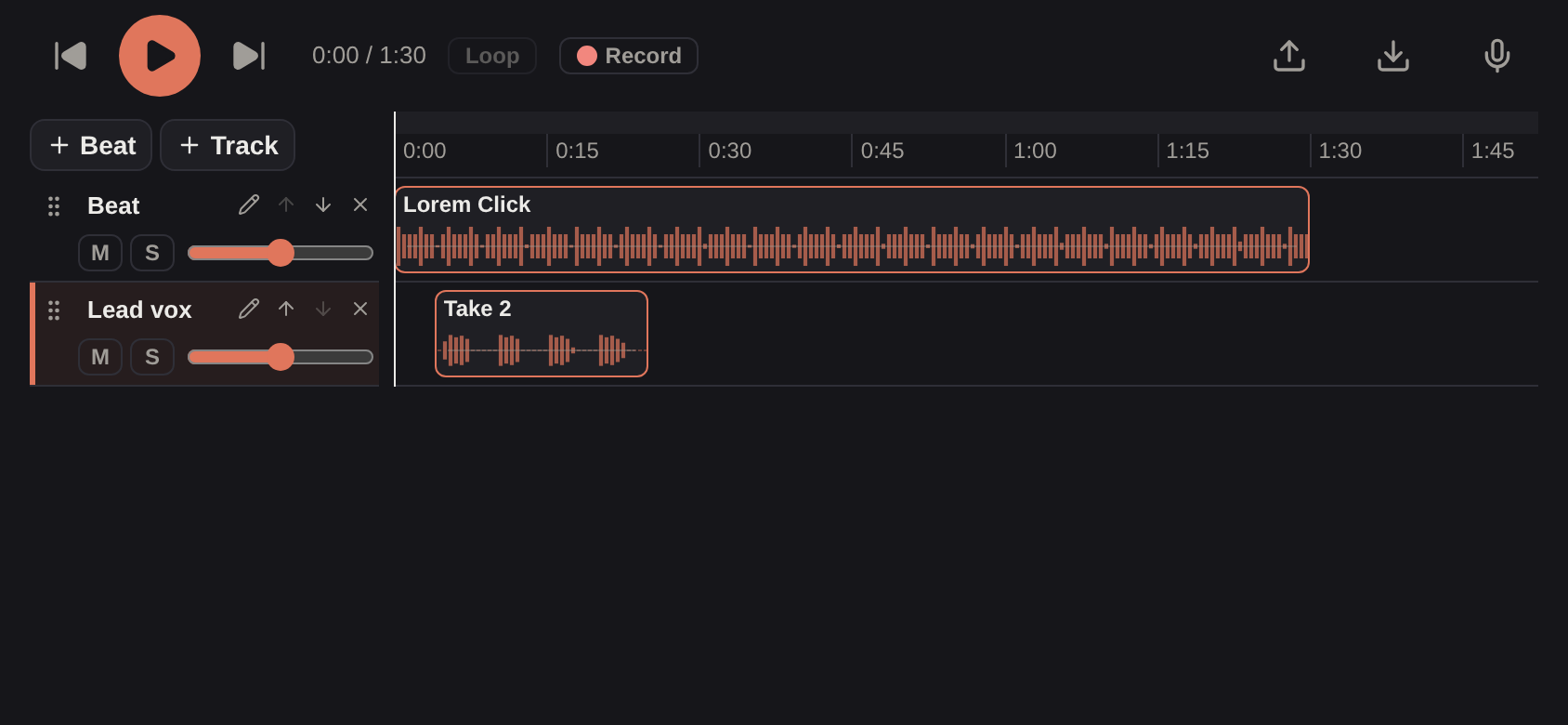
On a computer, everything fits on one screen, and a tablet gets the very same, by touch. On a phone, most of it still works:
Syncing lyrics to the music, rhymes and keyboard shortcuts need a bigger screen.
# Save as compose.yaml, then run: mkdir data && docker compose up -d
services:
  bandmate:
    image: ghcr.io/xkirtle/bandmate:latest
    container_name: bandmate
    restart: unless-stopped
    # The user that owns ./data, so Bandmate can write to it.
    user: "${PUID:-1000}:${PGID:-1000}"
    ports:
      - "8080:8080"
    volumes:
- ./data:/datamkdir data
docker run -d --name bandmate --restart unless-stopped \
--user "$(id -u):$(id -g)" -p 8080:8080 -v "$PWD/data:/data" \
ghcr.io/xkirtle/bandmate:latest# Linux or macOS. Swap linux-amd64 for linux-arm64, darwin-arm64 or darwin-amd64.
mkdir bandmate && cd bandmate
curl -fsSL https://github.com/xKirtle/bandmate/releases/latest/download/bandmate-linux-amd64.tar.gz | tar -xz
./bandmateThen open http://localhost:8080. The full Compose file, with a health check, and every setting are in the self-hosting guide. Bandmate has no login, so before using it anywhere beyond your own machine, read Security.
Docker is the easiest way to run it, because the image includes yt-dlp, ffmpeg and QuickJS, which adding a Beat from a link needs. The binary does everything else on its own: to add Beats from links, install those three yourself, as Without Docker shows.